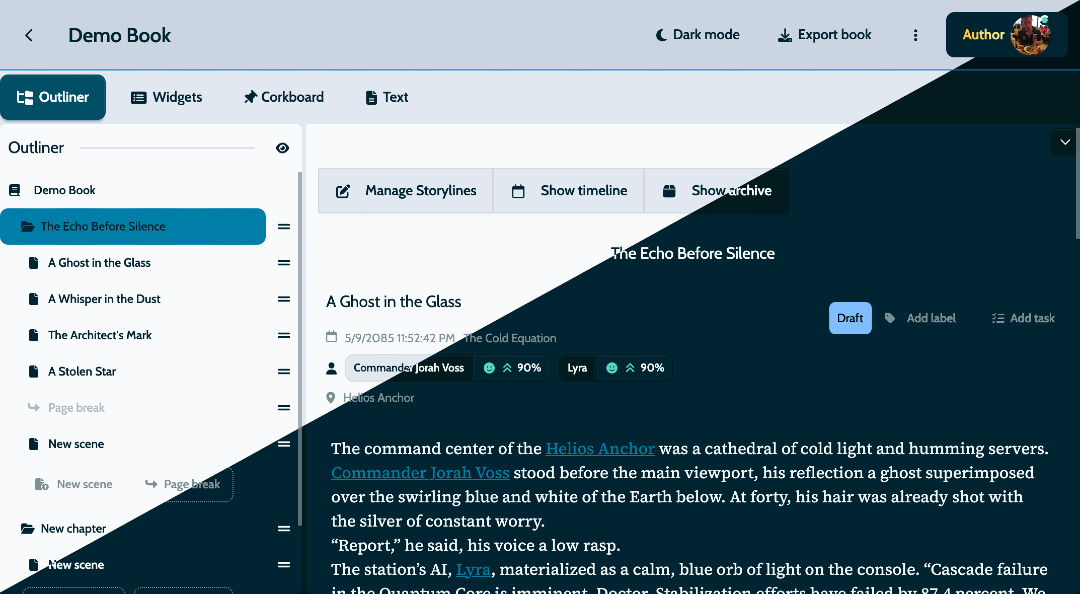
MyStory.today version 1.26 is here, and this update brings a radiant new way to write. The star feature: a beautifully designed light mode that transforms your writing environment based on your preference and lighting conditions.
🌟 Light Mode: Write Comfortably in Any Environment
Your writing space should adapt to you, not the other way around. Our new light mode gives you a clean, bright interface that’s perfect for daytime writing, well-lit spaces, or whenever you prefer a lighter workspace.
Why You’ll Love Light Mode
Writers spend hours crafting stories, and eye comfort is essential for productivity. Light mode offers several benefits:
Seamless Mode Switching
The light mode implementation focuses on simplicity and elegance:
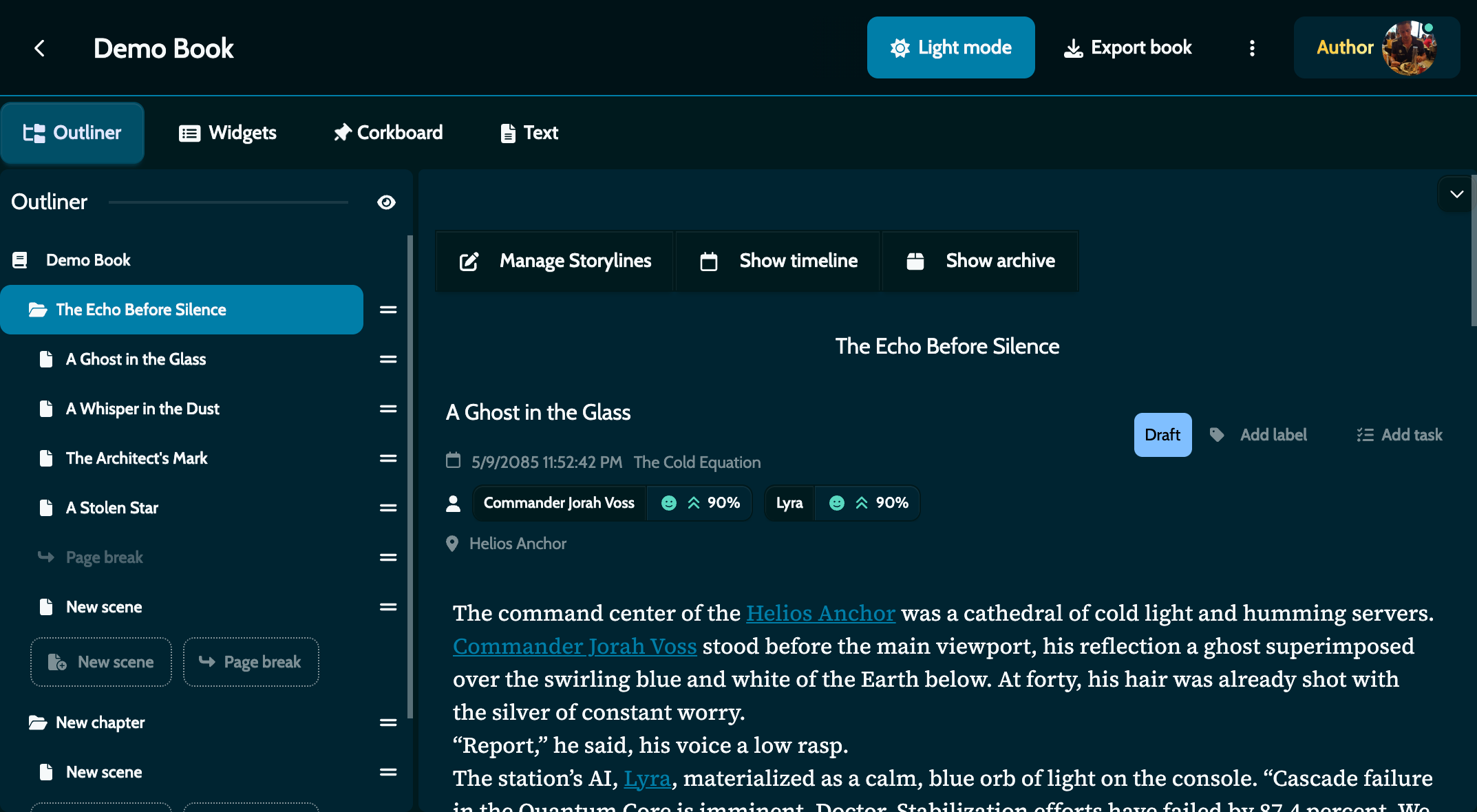
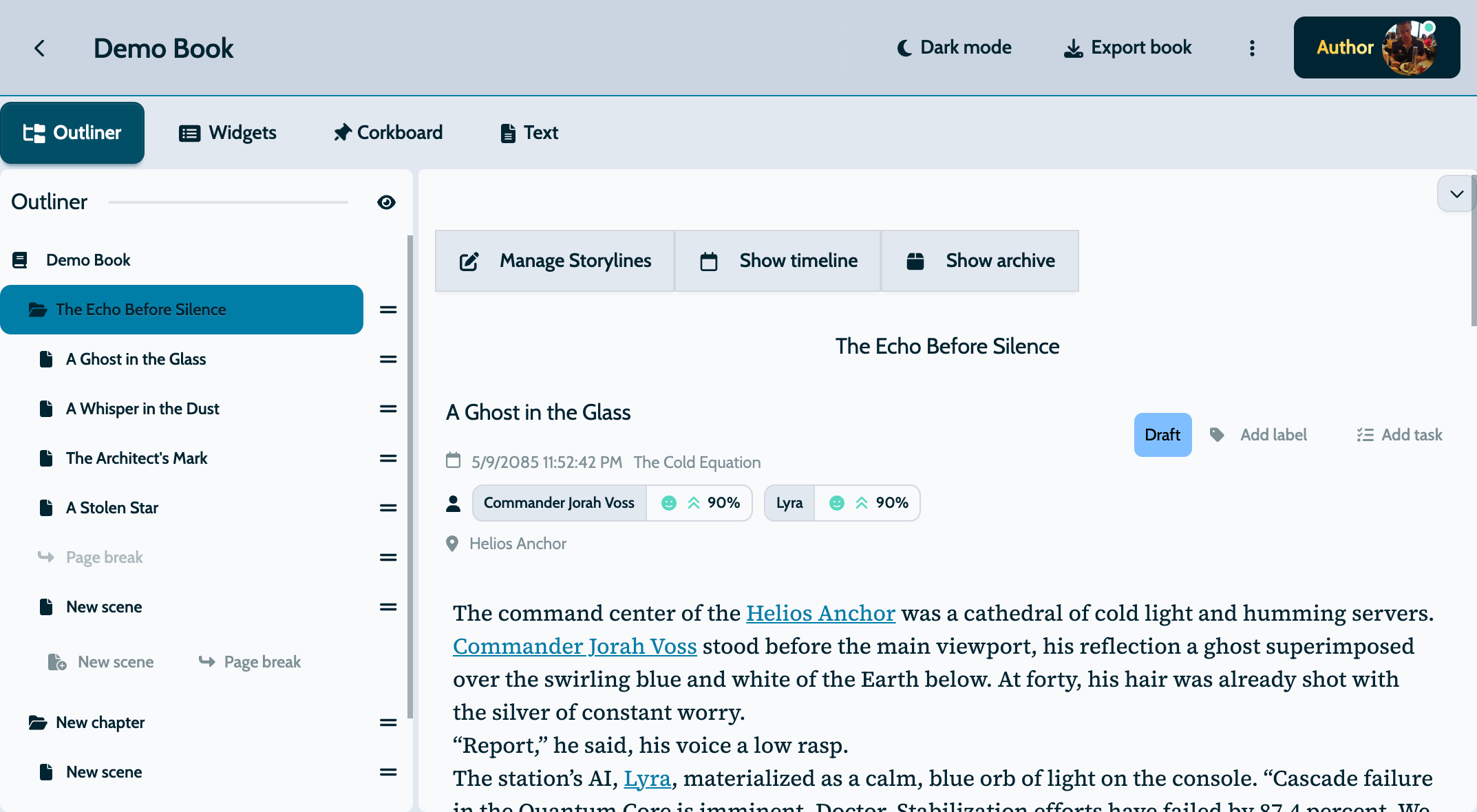
How it works:
- One-Touch Toggle: Switch between light and dark modes with a single button in settings
- Smart Remembering: MyStory remembers your choice for next time
- Complete Interface Change: All buttons, menus, and writing areas transform seamlessly
- Formatting Preserved: Your text formatting stays perfect in either mode
Designed With Writers in Mind
We didn’t just flip the colors. We redesigned light mode from the ground up:
- Comfortable Colors: Every color was chosen to reduce glare while keeping text easy to read
- Just-Right Contrast: Text stands out clearly without being harsh on your eyes
- Clear Visual Organization: Important elements remain prominent in both light and dark modes
- Consistent Meaning: Character moods, timeline colors, and indicators keep their meaning in both themes
🎨 Unified Theme System: Everything Matches Now
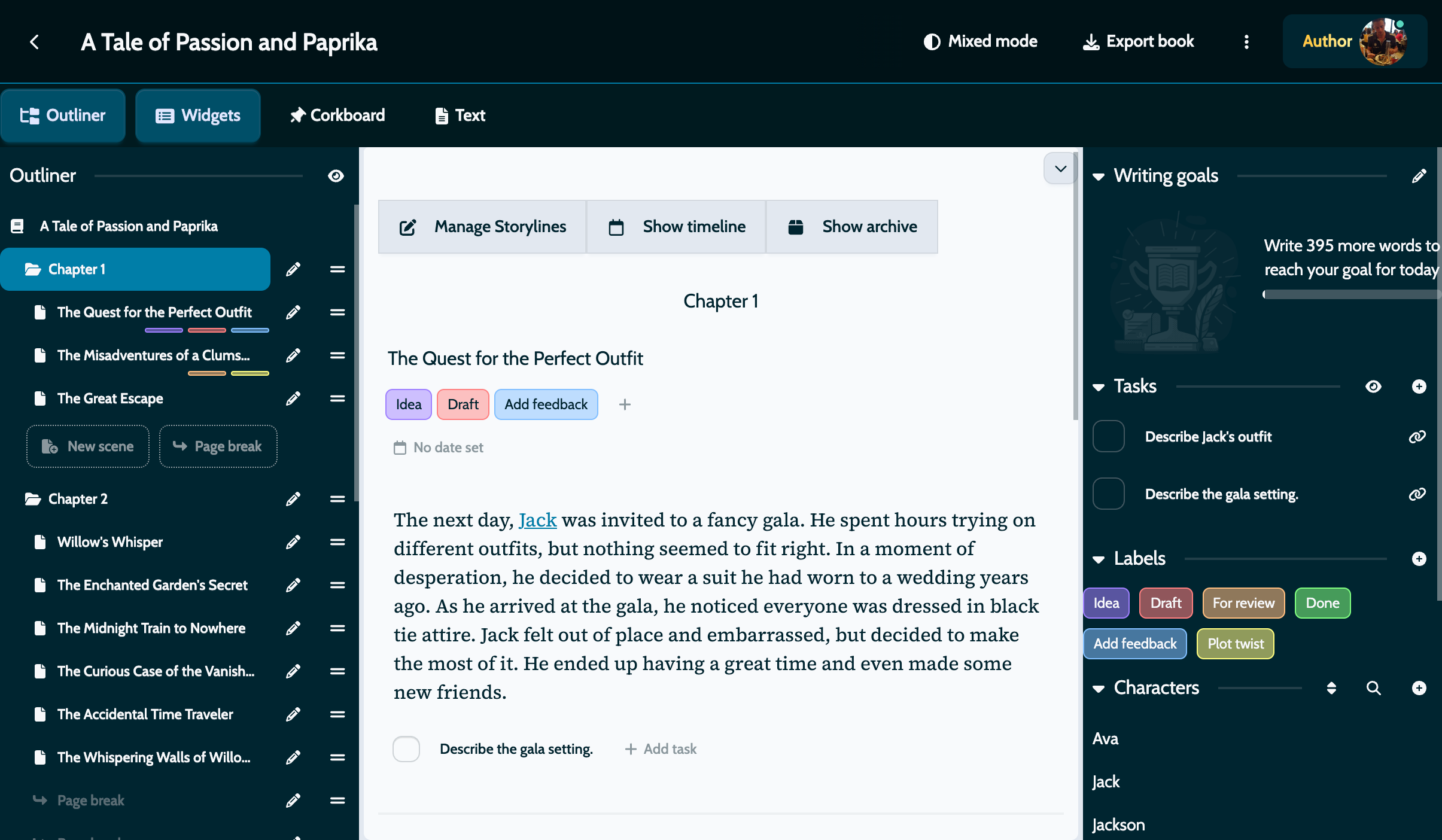
Before this update, some parts of MyStory used light theme while others used dark theme, creating a jarring experience. Version 1.26 fixes this with a unified theme system:
- Everything Matches: All interface elements now follow the same theme
- One Setting Controls Everything: A single toggle changes the entire application
- Light Mode for New Users: New users start with the clean, bright light mode
- Dark Mode Still Available: Existing users who prefer dark mode can continue using it
🔧 Additional Improvements in 1.26
While light mode is the star of this release, we’ve also included several other improvements:
Bug Fixes:
- Fixed editor font size settings not saving properly
- Resolved gallery image delete button visibility with long names
- Corrected outliner reordering when archived chapters are hidden
Perfect Writing Environments for Every Situation
With both light and dark modes available, you can create the perfect writing environment:
- Morning Writing: Light mode helps you ease into your writing day
- Late Night Sessions: Dark mode reduces blue light when writing in the evening
- Café Writing: Light mode works best in bright, public spaces
- Focused Sessions: Dark mode helps minimize distractions in dim environments
- Editing Sessions: Switch between modes to see your text with fresh eyes
Looking Forward
This update gives you choice and comfort—the tools to create your perfect writing environment. The unified theme system ensures everything looks consistent throughout the app, and we’re already working on more personalization features based on your feedback.
Your feedback shapes our development. We added light mode because writers requested it, and we’re planning more customization options for future updates.
Get Started
Update to version 1.26 today and find your perfect writing environment. Try both light and dark modes to see which works best for your writing style and surroundings. Enjoy the consistent interface that makes everything look right.
Your stories deserve to be written in comfort.