Enhanced Label Management and Menu Organization
We’re excited to bring you this latest update with improvements that make your writing experience smoother and more productive. This release enhances how you organize your work with a completely redesigned label dialog, gives you a cleaner interface with a reorganized app menu, adds professional book formatting with auto indent, and introduces video support in news so you can see features in action. We’ve also improved UI elements and fixed bugs to make the app more reliable throughout your writing workflow.
Enhanced Label Dialog for Quick Management
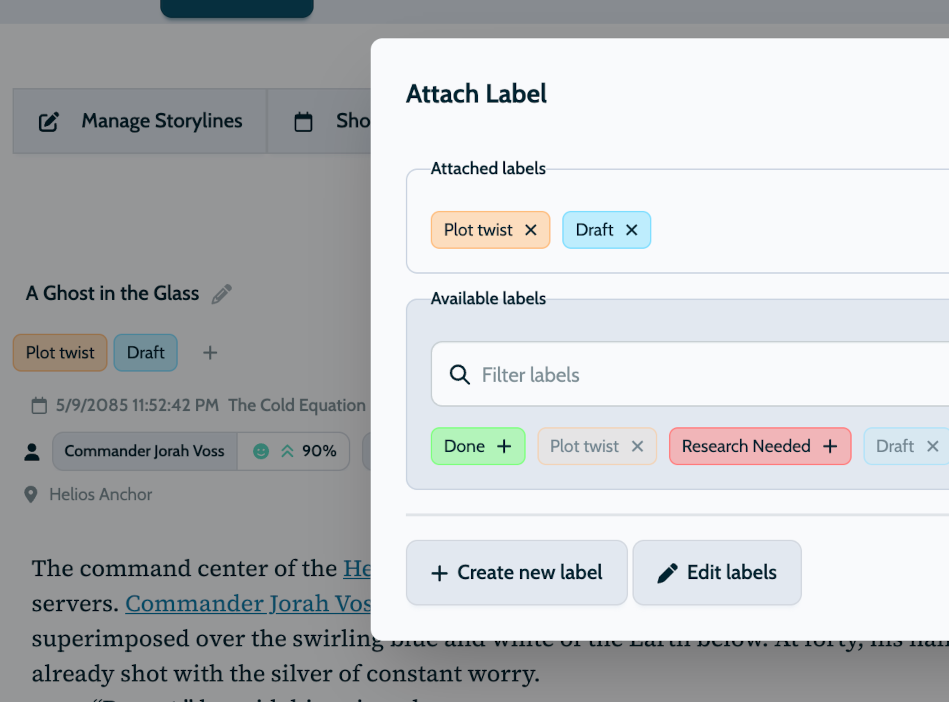
You can now edit, create, and delete labels directly in the label dialog without leaving your scene or card.
Labels give you a better overview of your work. Mark scenes with things like Needs cleanup or Todo, or track story elements like character actions and plot twists. You can label anything you want to follow.
With the new dialog, you can:
- Add or remove multiple labels in the dialog instead of one by one
- Edit labels directly in the same dialog
- Filter labels to find what you need when you have many
- See which labels are already applied at a glance
- The modal is cleaner and more powerful with better organization
Labels keep your project organized at a glance. When you need a new label, enter it right in the dialog and fix typos immediately. When your collection grows, use the filter to find what you need.
Cleaner App Menu, Easier Access
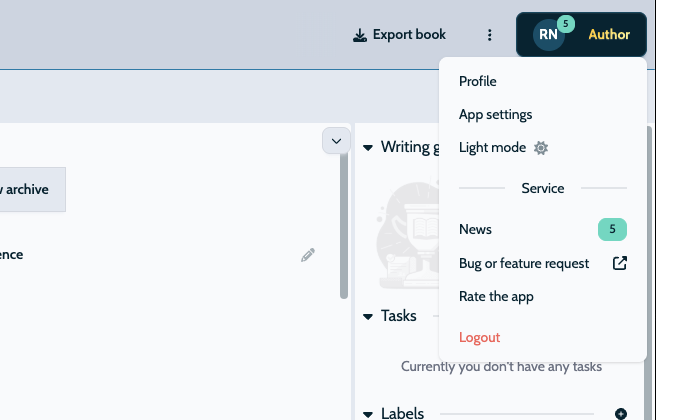
The top of your app now looks less cluttered with fewer buttons. We’ve moved some options into a neat, organized menu accessible from anywhere.
App updates and news are now in your profile menu. You can check what’s new from anywhere in the app, not just when looking at your books.
The dark and light mode switch is also in this menu. Previously, you could only change this setting when viewing a book. Now you can switch between modes from anywhere in the app.
Auto Indent Tool for Book Formatting
Your writing now looks more like a finished book with auto indent. When you type longer paragraphs, the second and subsequent lines indent while the first line stays flush left, exactly how published books are formatted.
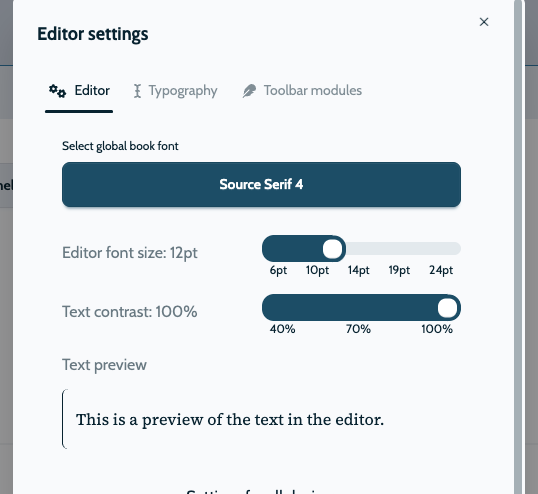
This feature keeps your text readable and professional without manual formatting work. You can enable or disable it in the editor typography settings, giving you full control over how your writing appears on screen.
Whether you’re writing novels, memoirs, or any book-length project, hanging indents help your reader’s eyes flow naturally from line to line. This formatting standard has been used in publishing for decades because it works and reduces visual fatigue, making longer texts easier to read.
Additional UI Improvements & Bug Fixes
This release includes several improvements that make your writing experience smoother and more reliable throughout the app.
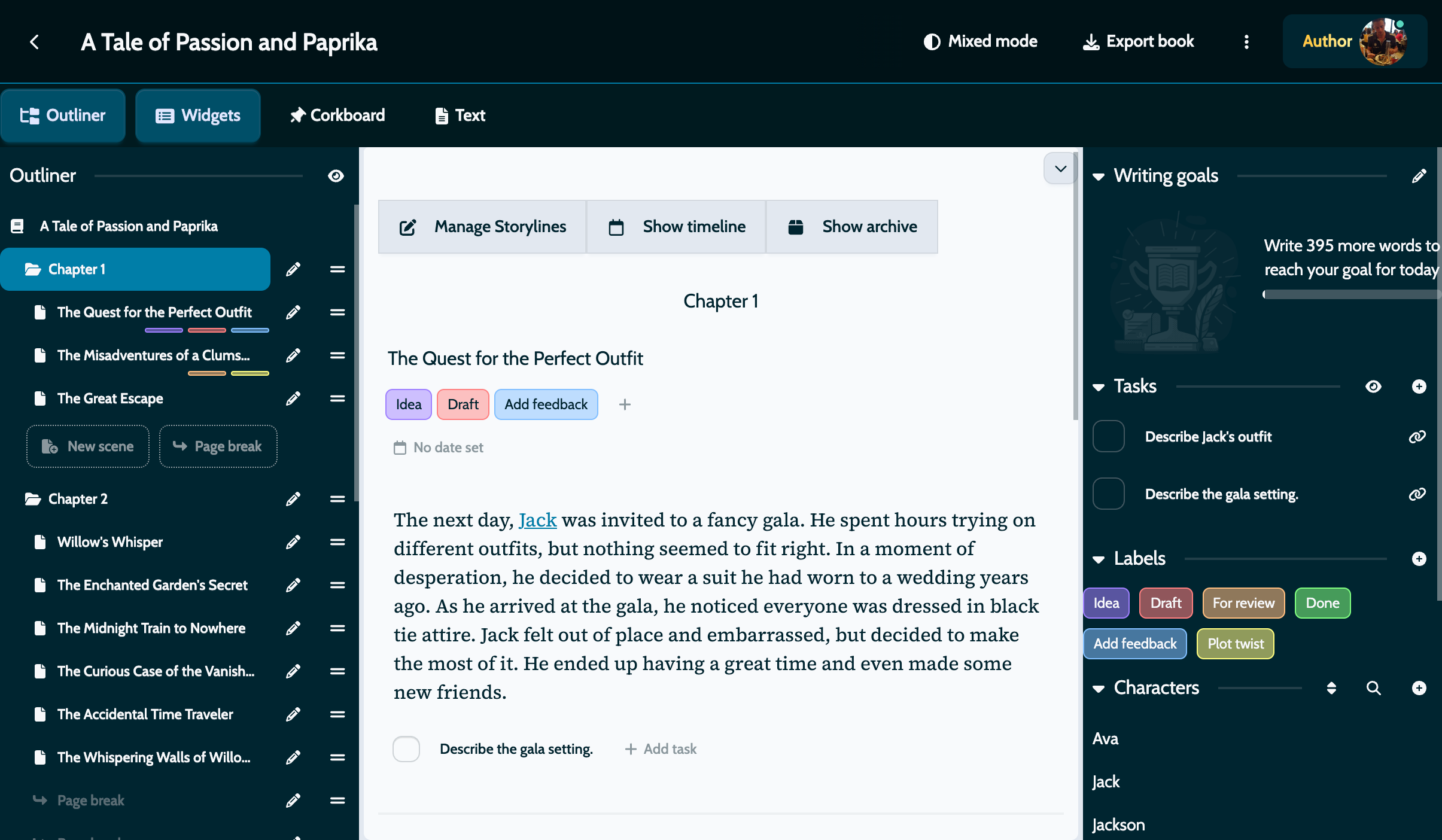
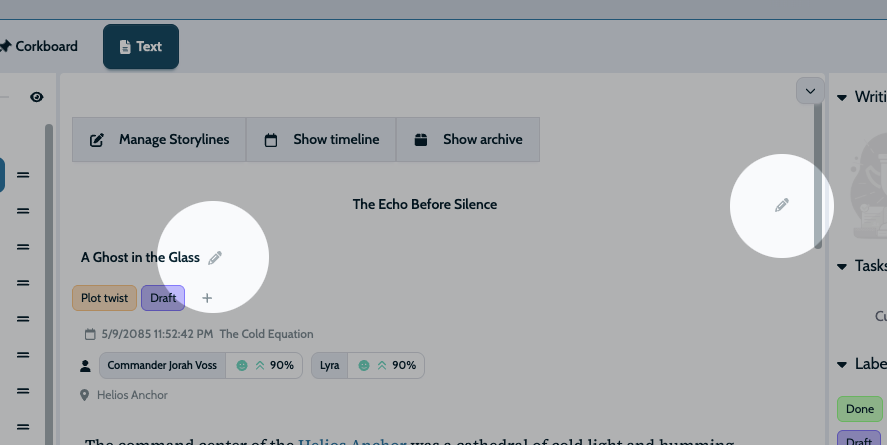
You’ll notice new edit icons next to chapter and scene titles in workspaces, making it immediately clear where to click to edit details.
When you reorder scenes or chapters in the Outliner, changes now reflect more reliably in the main workspace. You can confidently restructure your story knowing that your adjustments will appear consistently across all views.
We’ve also fixed several issues that could interrupt your workflow. Modals now close properly when you click outside them, and various visual problems with labels, text readability, and corkboard display have been resolved. These fixes make the app feel more responsive and consistent across different views.
Video Support in News
News items can now include videos, giving you richer visual demonstrations of features and updates. Instead of just reading about new functionality, you can see it in action.
Videos play right inside your news feed, so you can see features in action without leaving the app. Sometimes watching is easier than reading detailed explanations.