
Sync your book project across all your devices
The MyStory.today account syncs across all your devices. So with one account you can access your novel project from your tablet, your smartphone or your laptop. One of the core benefits is to access your book wherever you are. Inspiration is not bound to a fixed place so you can write whenever inspiration hits you. With an internet connection, the app or just a web browser, you are ready to go and finish your project in no time.
The Guest Account: Have a look before you start
The guest account is a quick way to get started with MyStory.today. Before you create an account with your mail address, you can test some of the features of the writing app. You can start writing immediately with no registration required, but with some limitations:
- No sync across devices. The guest account is bound to a single device
- No data recovery. If you don't export the data and you log out or lose your device, your texts are lost. No cloud recovery.
- No access to premium features before you migrate the guest account to a real account
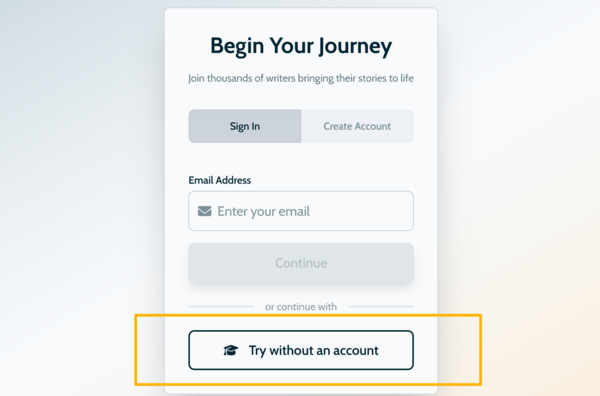
To create a guest account, you can click on the “Try as guest” button on the login page. Then you can see the library of your guest account and can start with your first test project. The banner at the top reminds you that this is a guest account, so remember to create regular backups from time to time by exporting the project.
After exploring the novel features you can seemlessly migrate your guest account into a real account. The project you already started with and all the settings will be migrated as well.